For squash clubs and associations

Run your squash comps from one place

Draws, ladders, live scoring and results for club nights, team leagues and weekend tournaments. Your players follow along on their phones, your club TV shows the live scores, and the ladder works out its own countbacks.

  • Team leagues
  • Singles ladders
  • Doubles
  • Handicap nights
  • Round robins
  • Triple knockouts

Made for how squash is run

Club nights

Thursday teams, Monday handicap singles, Tuesday daytime comps.

  • Teams of any size, playing position against position
  • Points per rubber and win bonuses your way
  • Byes, reserves and walkovers
  • Finals drawn from the ladder

Weekend tournaments

Masters, state titles and opens, over one day or several.

  • Round robins, knockouts and triple knockouts
  • Timed games, games to 11 or 15, per division
  • Matches booked onto courts and times
  • Players who can only play some of the days

Associations

Run events for many clubs from one place.
  • Players from every club in one draw
  • Club teams table, all players or each club's best few
  • Doubles pairs ranked as pairs
  • Your own web address
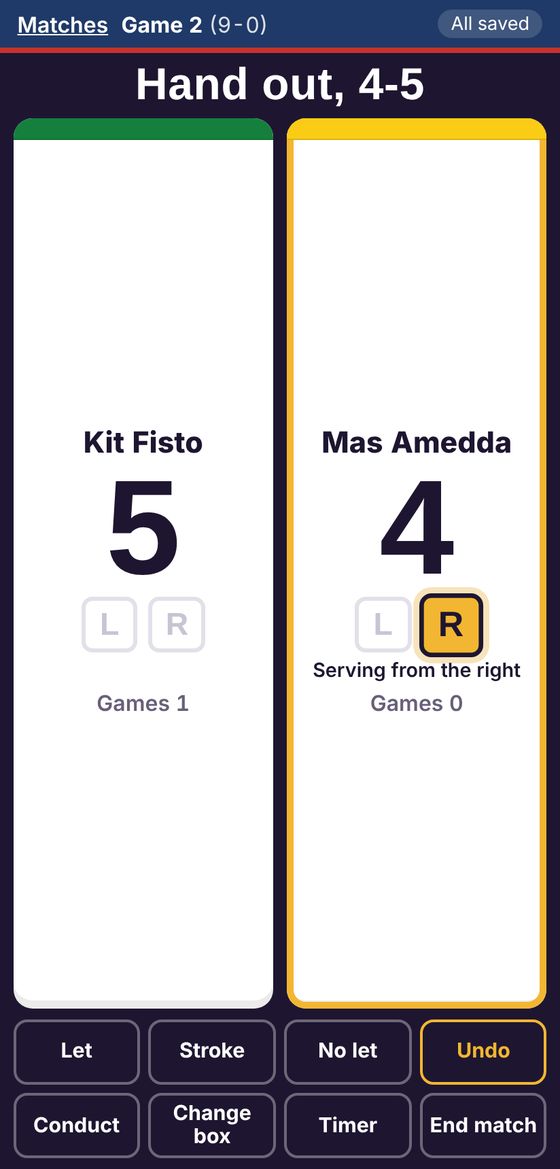
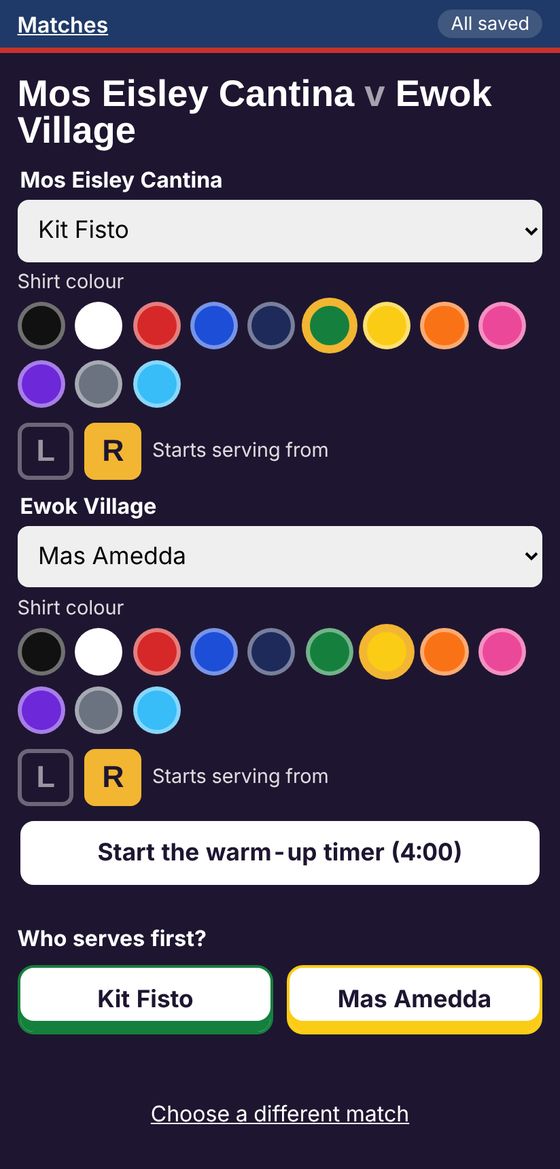
The scorer before a match: shirt colours, serving side and the warm-up timer The scorer during a match, 9-6 in game 2, serving from the right

Scoring

Score at the court, on any phone

Tap the player who won the rally. The scorer keeps the serve side, the box and the games, and saves every point as it goes, so a flat phone loses nothing already scored.

  • Lets, strokes, no lets and conduct, with undo
  • Shirt colours and the warm-up timer before the first serve
  • Game ball, match ball and championship ball called for you
  • Shared logins for the club's court tablets
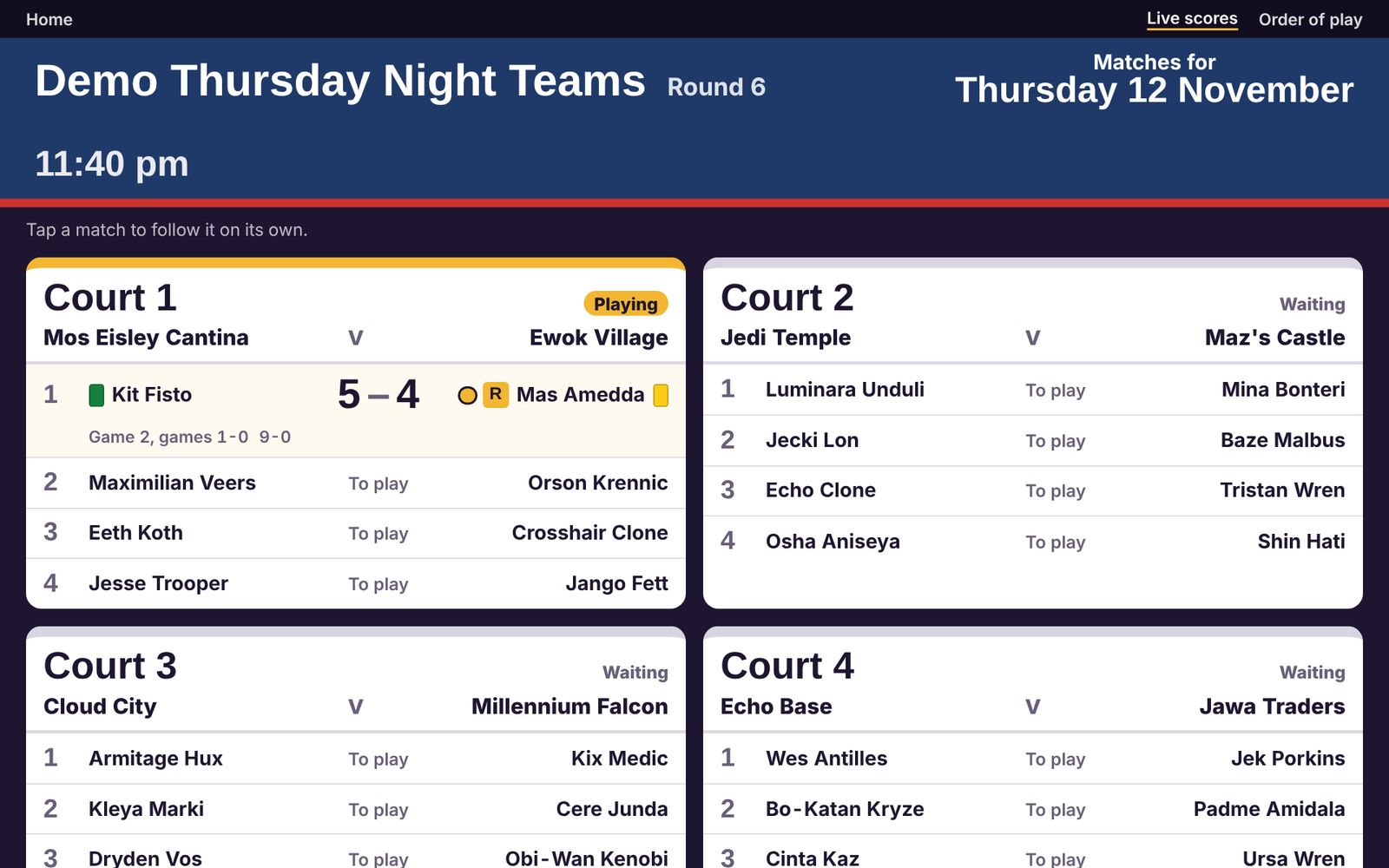
The live scores board: four courts, one match in play at 9-6 The streaming overlay: names, shirt colours, games and the score

Live

Live on the club TV, and on stream

Every court on one screen, updating as the scorers tap. Players in the bar see who's on next, and anyone at home can follow on their phone.
  • Live scores board and order of play for the TV
  • OBS overlays for streaming: a score strip or a score card
  • Shirt colours, the server, and games won, best of 3 or 5
  • Seeds shown in tournaments
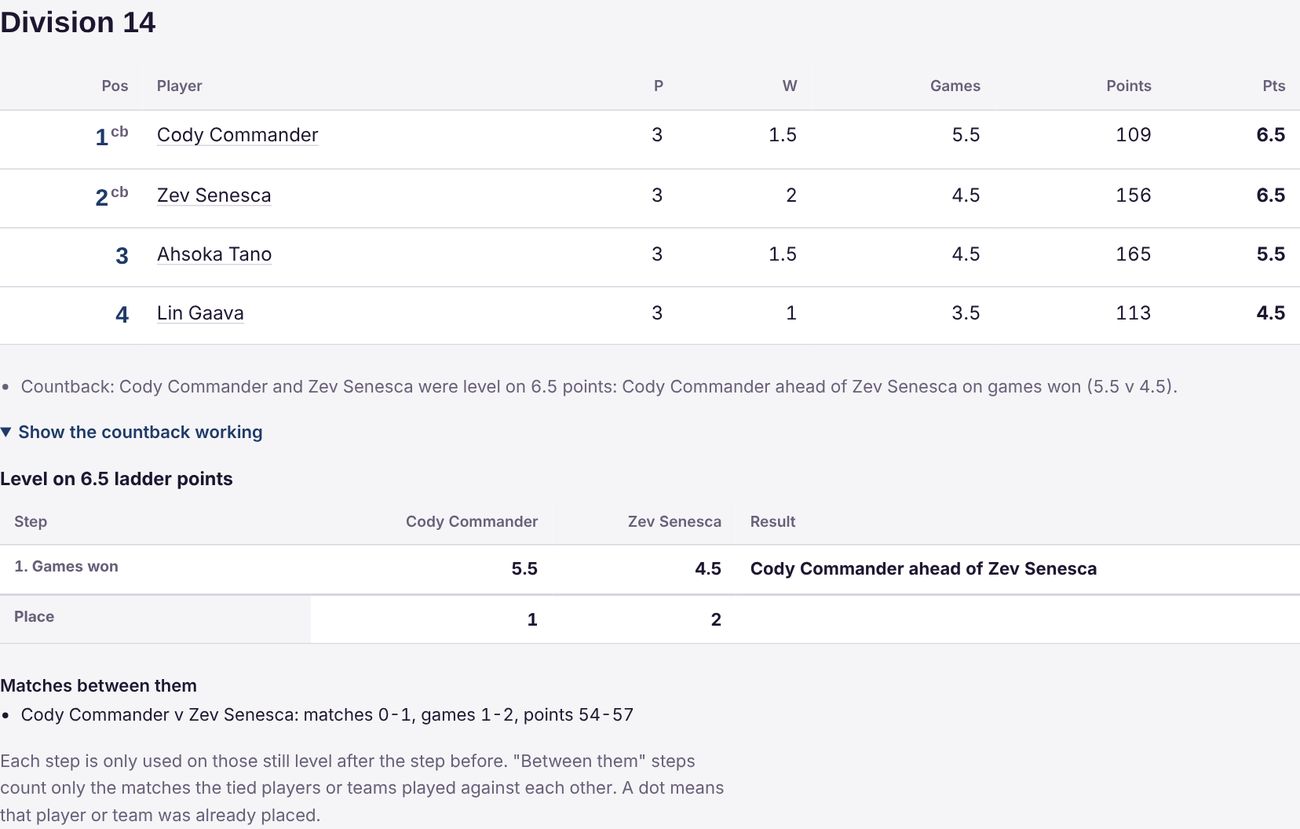
A ladder with two players level on 6.5 points, and the countback working shown underneath

Ladders

Ladders that explain themselves

When two players finish level, the ladder settles it with the countback you chose and shows the working, step by step, so anyone can check it.
  • Points tables per competition or per division
  • Timed games with drawn games worth a half
  • Squash NZ, Squash WA and QMSA countbacks ready to use, or set your own order
  • Walkovers counted fairly as straight-games wins
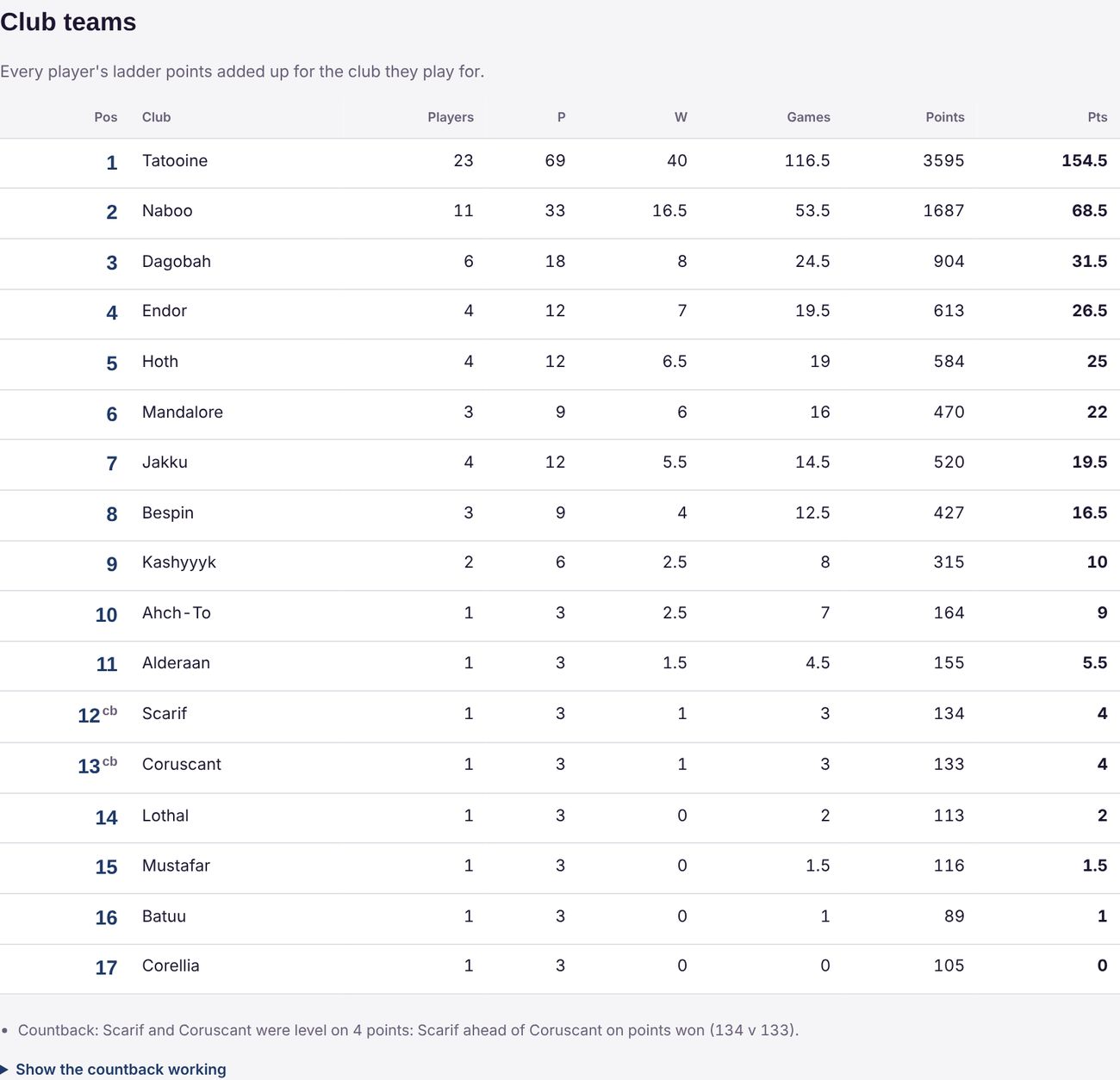
A club teams table: every club's players' points added up

Teams

Teams, lines and club tables

Team leagues get a team ladder and a ladder for every line. At a masters weekend, every player's points also add up for their club.
  • Next round's courts on the ladder page
  • Team and player pages with every result
  • Club teams tables with their own countback
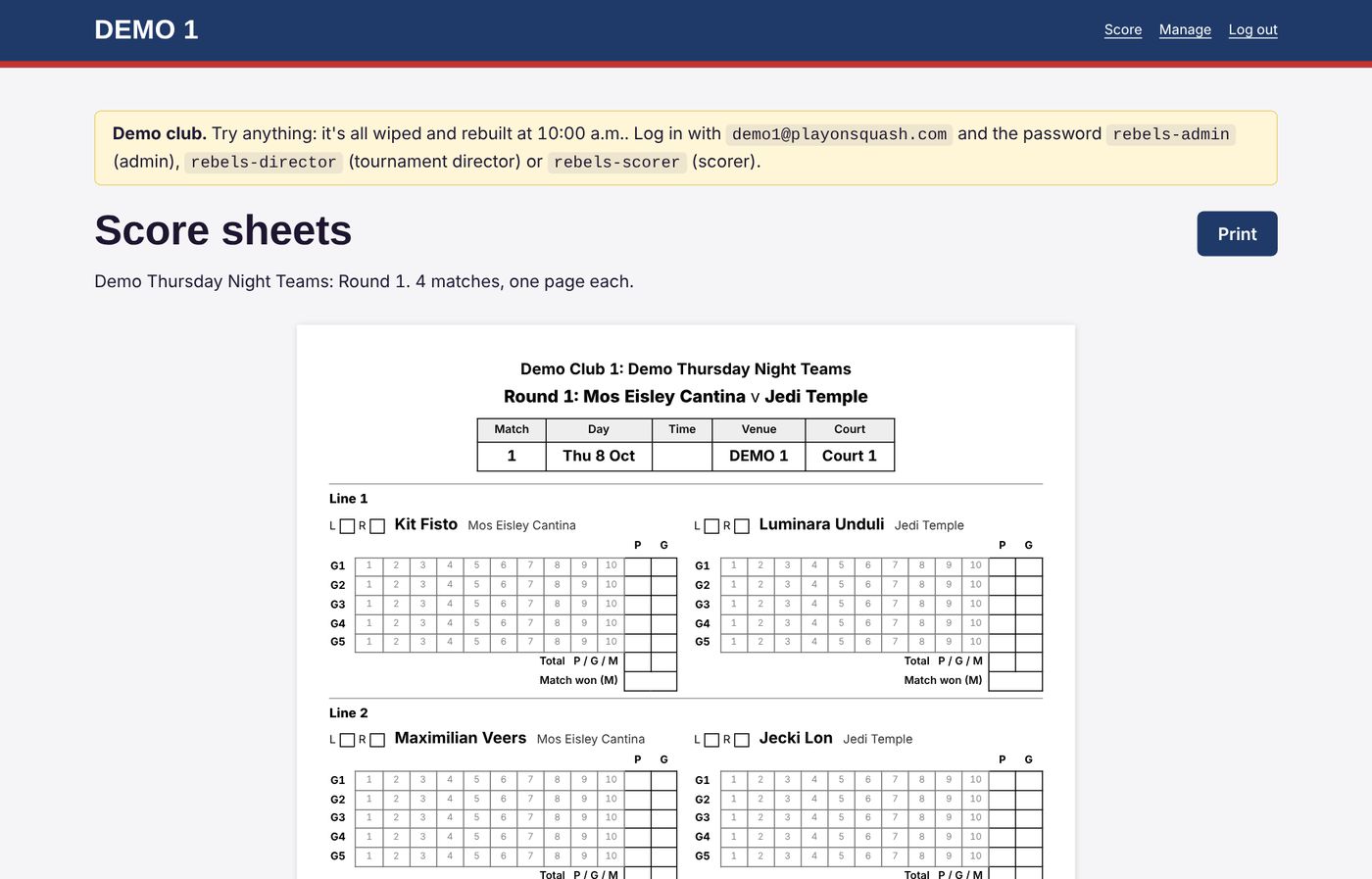
A printable score sheet for a team match

Printing

Print the night when you need to

Paper still has its place on the noticeboard and at the desk.
  • Run sheets for each round
  • Score sheets ready to fill in, a page per match
  • Presentation lists: winner, runner up, plate and consolation
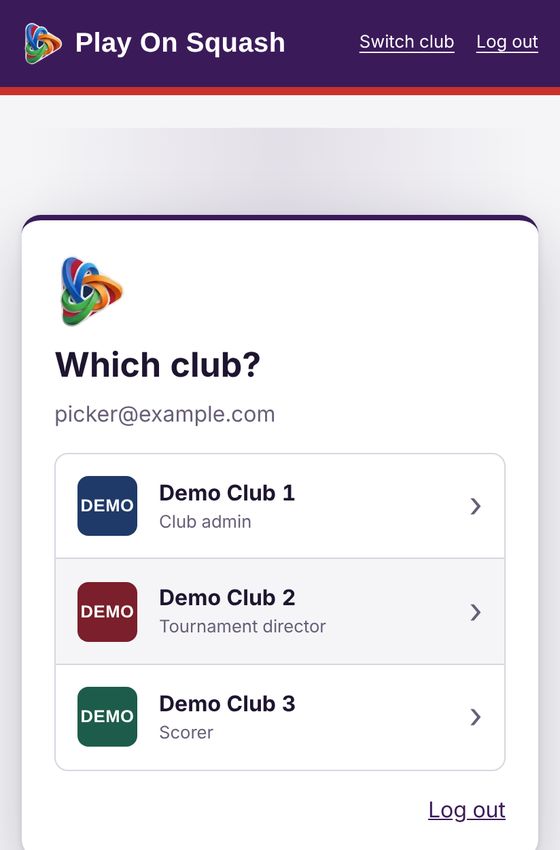
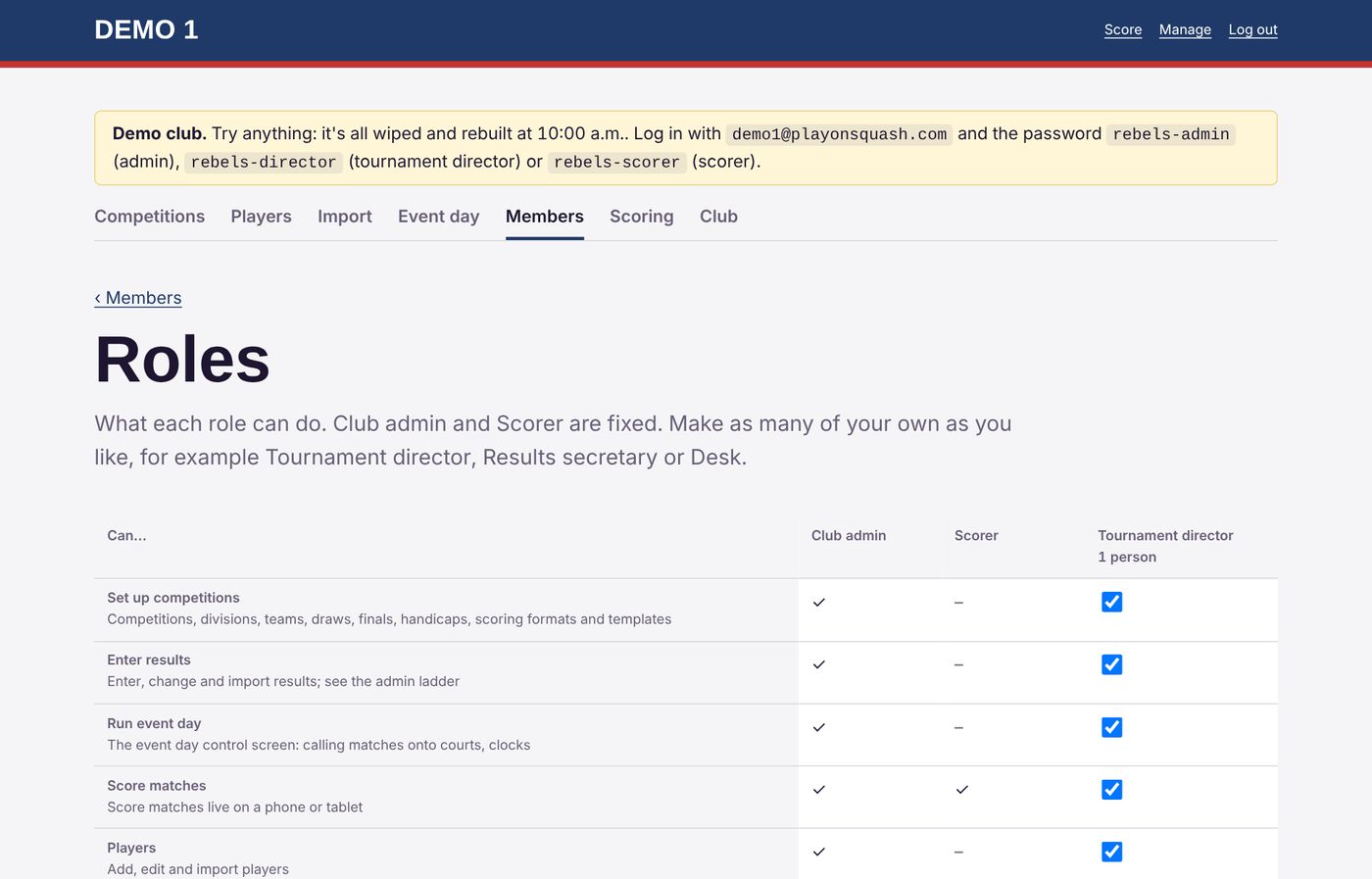
The roles page: what a Tournament director can do Which club? The picker for someone in three clubs

People

Your people, your roles

Players don't need accounts. The people who run things log in with their email and password, and see only what their role allows.

  • Club admin, scorer, and roles you make, like Tournament director
  • One shared club email with a password per role
  • In more than one club? One log in, then pick the club
  • Every club's information kept to itself

Try it yourself

Demo clubs with a masters weekend, a doubles event and a Thursday night teams league, all played by Star Wars characters. Log in as an admin, a tournament director or a scorer and change anything you like: each demo club is wiped and rebuilt every hour, on the hour.

Demo Club 1

Email
demo1@playonsquash.com
Passwords
Admin
rebels-admin
Director
rebels-director
Scorer
rebels-scorer

See its public pages without logging in.

Demo Club 2

Email
demo2@playonsquash.com
Passwords
Admin
rebels-admin
Director
rebels-director
Scorer
rebels-scorer

See its public pages without logging in.

Demo Club 3

Email
demo3@playonsquash.com
Passwords
Admin
rebels-admin
Director
rebels-director
Scorer
rebels-scorer

See its public pages without logging in.

Getting started

  1. Sign up your clubTell us your club's name and who'll run it.
  2. We set you upYour admin gets an email to set a password and log in.
  3. Bring your playersFrom a spreadsheet: names, grades and teams.
  4. Make the draw and playFixtures, courts and times, then score on the night.

Questions

Do players need to log in?

No. Draws, results, ladders and live scores are public. Only the people who run things, and the scorers, log in.

Can we bring our existing competitions?

Yes. Players, draws and results can be brought in from spreadsheets, and the app has been checked against past club competitions and state titles draws.

Will it work on our phones and the club TV?

Yes. Everything works in a web browser: phones in portrait or landscape, tablets, laptops, and a TV for the live board. There's nothing to install.

Do we get our own web address?

Yes, for example yourclub.playonsquash.com, in your club's colours.

Who owns our information?

Your club does. Download all of it at any time, and ask us to delete it if you ever leave. See the privacy page.

What does it cost?

Write to support@playonsquash.com and we'll talk it through for your club or association.

Ready when you are

Already on Play On Squash? Log in with your email. New here? Tell us about your club.